Home Screen Share – iPad

I have seen a lot of people do this, and I was inspired to share the home screen of my iPad. I like this because it allows others to see what apps I use most, and possibly those they could also use. I have included a few pictures and descriptions of apps I use and why.


My Home Screen

photo


News Gathering Apps – Zite & Flipboard

These two apps are essential for my content consumption. Zite gathers news based on ather articles and topics that I read, and populates the app with information that it believes I would enjoy.

Flipboard is a fantastic content provider, as I can run everything from my Google Reader, to Tumblr, to Instagram to Twitter through it. It has a fantastic design and the UI (user interface) is unreal. Both are free.
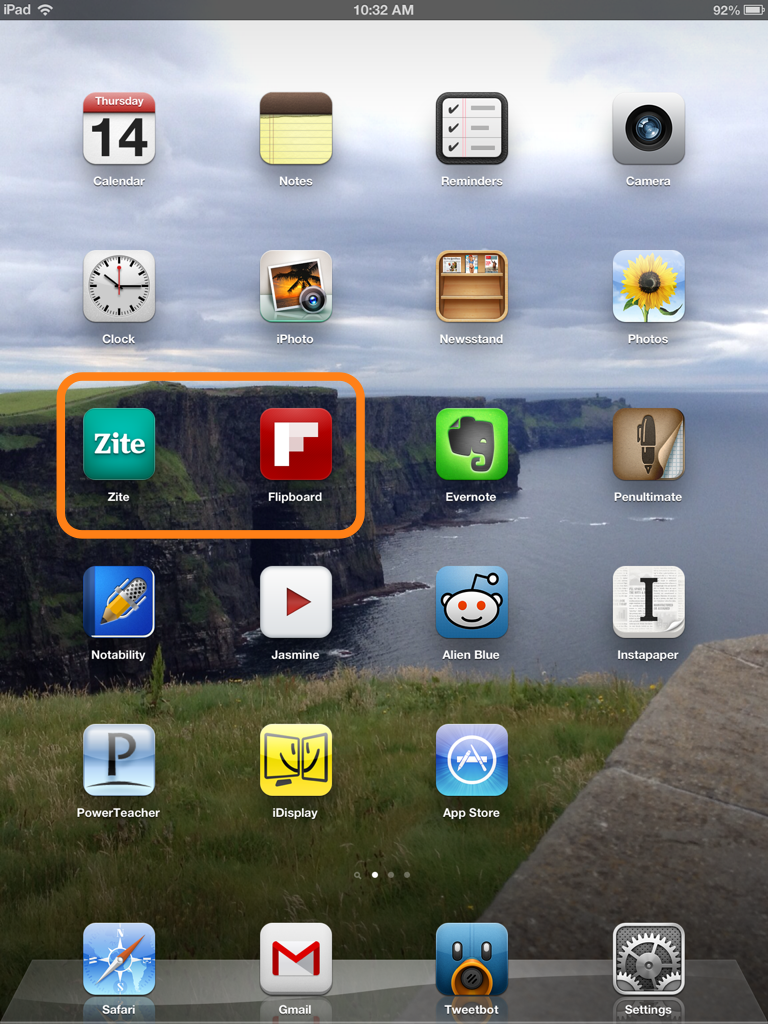
 

Photo Skitch Document


iDisplay

This app has become essential for my lesson planning. It was a paid app, and a little pricey at $4.99, but worth it. It allows me to use my iPad as a second monitor. I simply connect it through Wi-Fi and prop my iPad up next to my MacBookPro. This allows me to place a word document on the iPad and conduct research on my laptop monitor.

Photo Skitch Document (1)

My First Paperless PD

Welcome back!!

Today I was one of thousands of teachers to go back to school after a nice winter break. We had a network wide “Mid-Year Retreat” which served to provide us with data analysis, growth data, goal updates, break out brainstorming sessions and updates on network wide initiatives.

I decided that after reading a few inspirational articles about paperless classrooms and paperless students, I would try my first PD of 2013 paperless.

My tools:

iPad 3rd Generation Wi-Fi (w/ Smart Cover)

Capacitive Stylus

-Apps: Penultimate, Evernote


How did I use these tools?

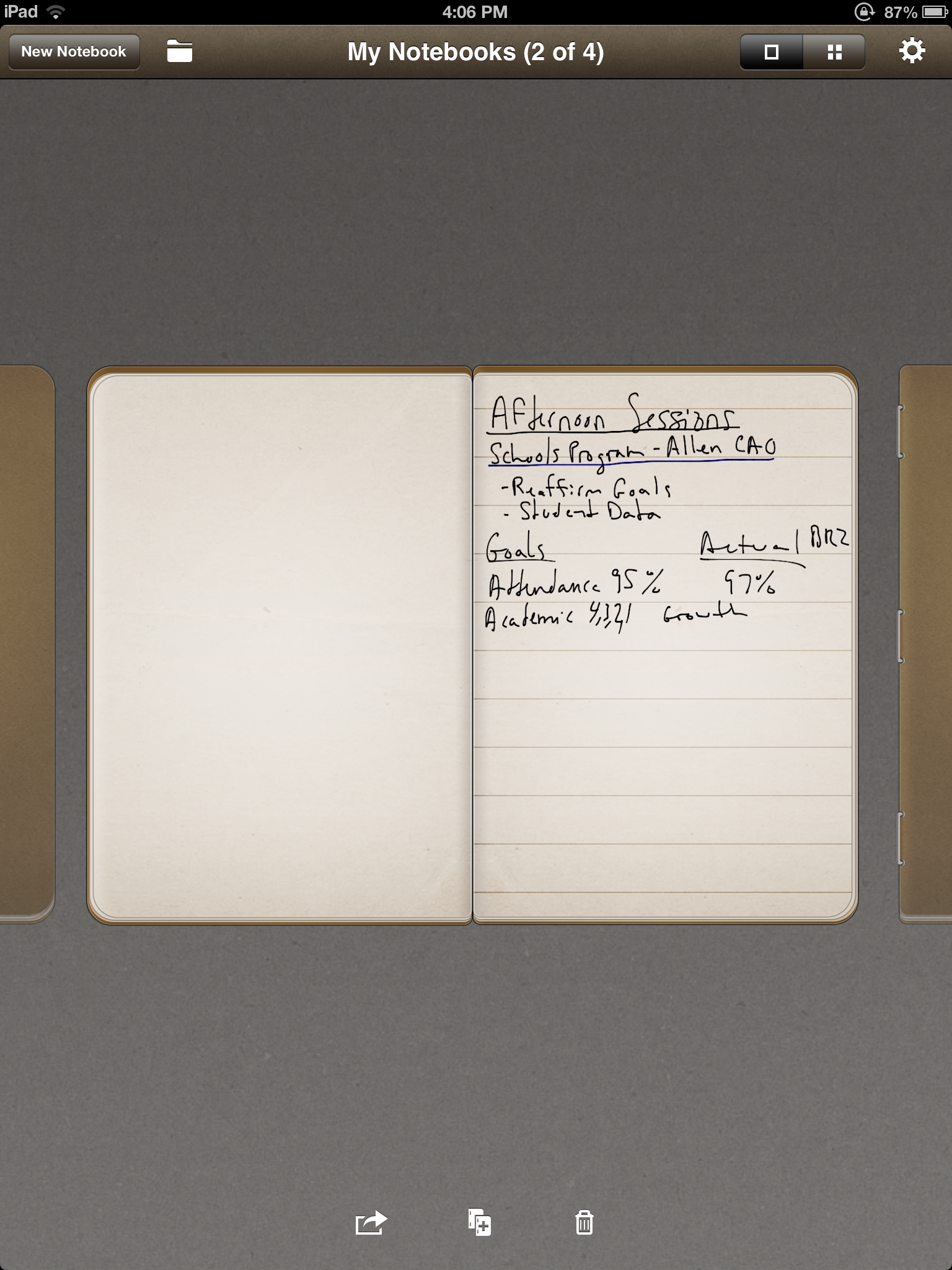
I used Penultimate to take all of the notes, using the stylus as my writing utensil  This worked out rather well, as for the most part my handwriting was legible (enough for myself), and the navigation of the app was effortless. The only issue I ran into was my wrist disrupting the writing, or changing my page while I was taking notes, but there are simple settings in the Penultimate app that correct this.

After the day of taking notes by hand, I simply closed the “Notebook” I had created in Penultimate and then exported it to Evernote. In Evernote, I have all of my other notes organized for prior PDs, and filing this one away was rather easy.


IMG_0080

IMG_0081

Why Go Paperless?

The first obvious reason is that it allows me to create a very well organized note taking system, without being cluttered with actual files, notebooks, paper and extra weight in my bag. The reason why I chose to do it this way, is simple because I was sick and tired of lugging my laptop to all the meetings. It is not THAT heavy, but it is a pain to get it out, turn it on, sit and type a few quick notes, then shut it down and move to the next session. The iPad and the accompanying apps were very easy and I will absolutely do this again for our next PD.